
Can You Track an Android Phone With an Iphone?

In today’s world, keeping track of devices is more crucial than ever for safety and peace of mind. Many people wonder if they can track an Android phone using an iPhone, and the good news is that it’s definitely possible. Various methods exist to accomplish this, from third-party apps like AirDroid and Life360 to built-in features like Google’s Find My Device. Individuals might want to locate a lost phone or ensure the safety of family members.
However, it's important to be aware of legal ramifications before tracking someone else's device without their permission—consent is key in these situations!
Why Track an Android Phone from an iPhone?
Tracking an Android phone from an iPhone is important for various reasons. One of the most common scenarios is when a device is lost. In such cases, tracking can lead to its recovery, saving time and expense. Another significant reason is safety. Parents often want to monitor their children's locations to ensure they are safe, especially in unfamiliar areas. This is particularly relevant for teenagers who may be out with friends.
Additionally, real-time location sharing becomes vital during emergencies or group outings, allowing friends and family to stay connected and informed about each other's whereabouts. For instance, during a large event like a concert or festival, knowing where your friends are can help everyone stick together and enhance the overall experience.
Methods to Track an Android Phone from an iPhone
Credits: avg.com
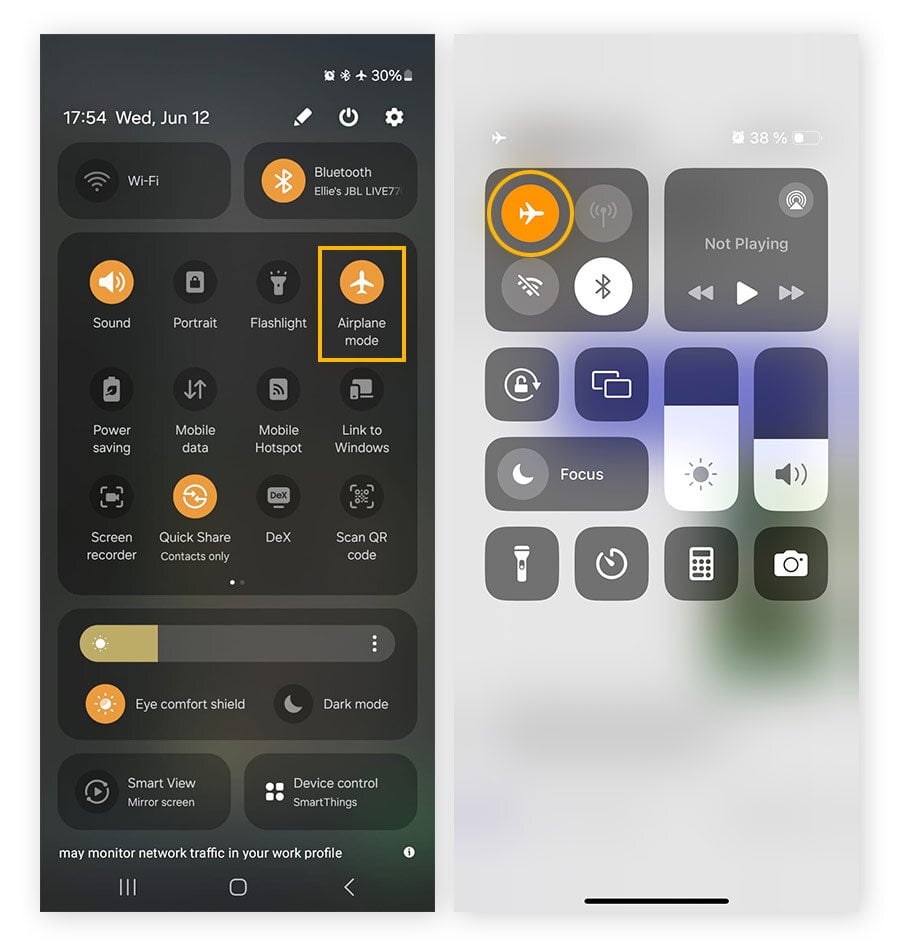
There are several effective methods to track an Android phone using an iPhone. One popular option is to use third-party apps like Life360, which allows for location sharing among family and friends, ensuring everyone knows each other's whereabouts. Another method is to utilize Google's Find My Device
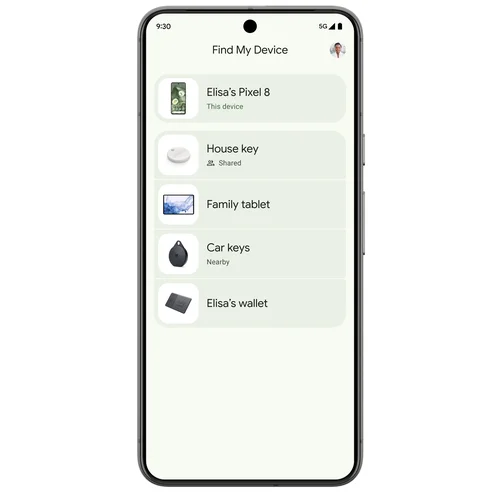
Credits: blog.google feature by accessing it through a web browser on the iPhone, where you can locate the Android device on a map. Similar functionality exists with Samsung's Find My Mobile, specifically for Samsung products, enabling users to track their devices if they have set it up in advance. Google Maps also provides a Timeline feature that logs location history, which can be accessed if both users share the same Google account.
Additionally, social media apps like WhatsApp allow users to share their live location temporarily, making it easy to coordinate meet-ups or check on someone’s safety. For those in a more serious situation, reporting a lost phone's IMEI number to authorities can aid in recovery. In some cases, simply calling the lost phone could help locate it if someone answers.

Using Third-Party Apps
Credits: getmulberry.com
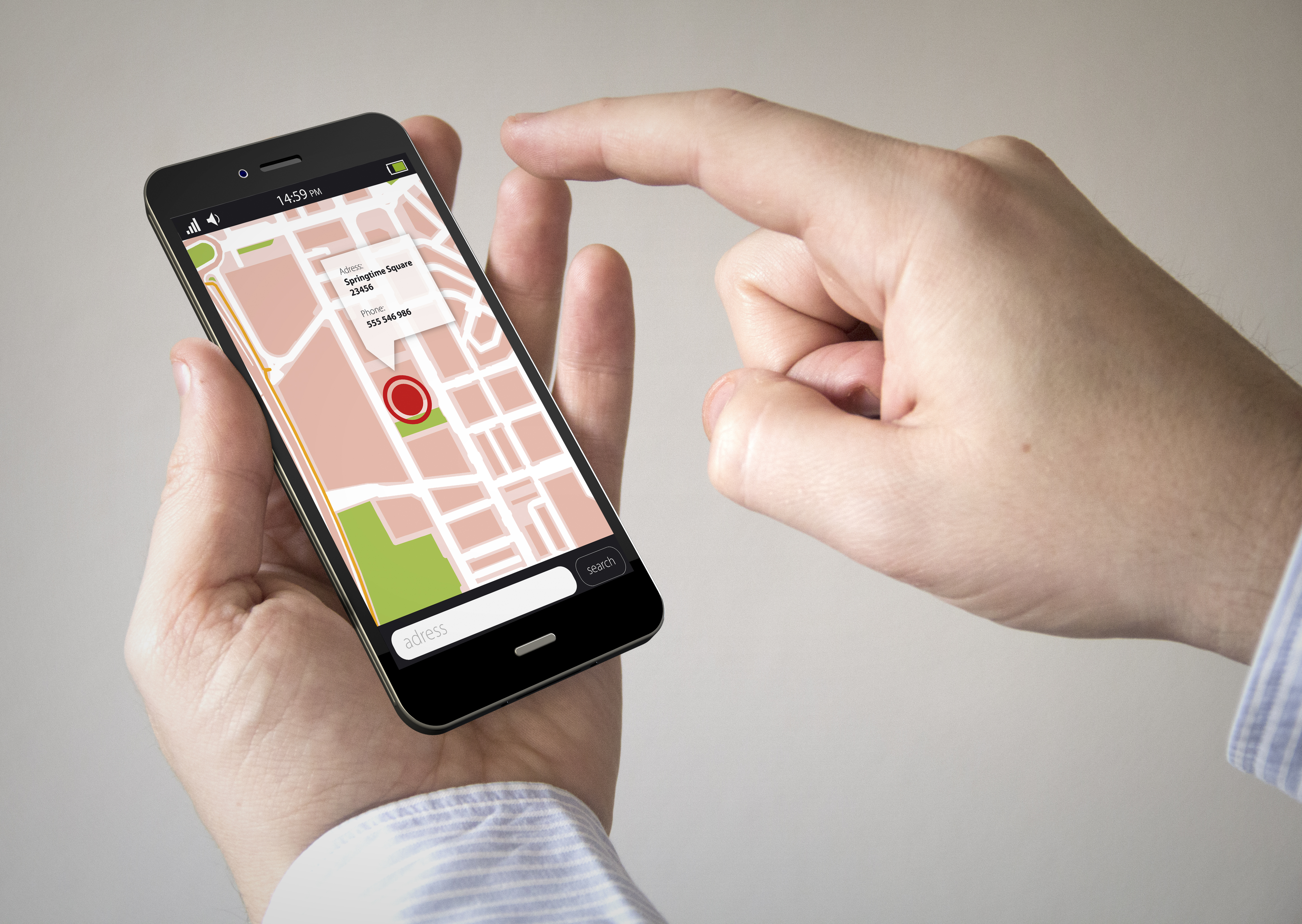
Numerous third-party applications facilitate tracking between iPhone and Android devices. Some notable apps include AirDroid, which offers location tracking, remote monitoring, and parental control features; mSpy, known for its GPS Phone Tracker capabilities; and Life360, which provides location sharing among family members and friends.
To use these apps, you generally need to download them on both devices and follow the on-screen instructions to set them up. Make sure to grant the necessary permissions for location access to ensure accurate tracking. For example, with Life360, family members can see each other’s real-time locations, enhancing safety and communication.
Feature-rich applications for tracking
Easy to install and use
Cross-platform compatibility
Options for real-time location sharing
Custom alerts for movement
Historical location tracking
Remote locking and wiping features
Google's Find My Device
Google's Find My Device is a valuable tool for tracking lost Android phones, and it can be accessed from an iPhone. To use this feature, start by opening a web browser on your iPhone, such as Safari. Navigate to the Google Find My Device website and sign in with the same Google account that is linked to the Android device you want to track. Once logged in, you'll see the device's location displayed on a map, which can help you pinpoint where it is.
Additionally, you have options to lock the device or erase its data if necessary, ensuring your information remains secure. This method is efficient and straightforward, making it a go-to solution for Android users who want to keep track of their devices.
Google Location Sharing
Google Location Sharing is a feature within Google Maps that allows users to share their real-time location with others. This is particularly useful for tracking an Android phone from an iPhone, provided both parties agree to share their locations.
To use this feature, the Android user needs to open Google Maps, tap on their profile icon, and select 'Share Your Location.' They can then choose the duration for which they want to share their location. Once shared, the iPhone user can view the Android user's location on their device, helping them stay connected.
It's important to note that the Android user must give permission for their location to be shared, ensuring privacy and consent in the process. This method can be especially handy for families or friends who want to keep track of each other's whereabouts during outings or trips.
Samsung's Find My Mobile
Samsung's Find My Mobile is a valuable tool for tracking Samsung devices, provided it was set up beforehand. To use this service, you need to log into the Samsung Find My Mobile website. Once signed in with your Samsung account credentials, you can view the location of the device on a map. This feature not only allows you to track the device but also offers options to ring the phone, lock it, or even erase its data remotely.
For example, if your Samsung phone gets lost in your home, you can use this feature to make it ring, helping you locate it quickly. Additionally, the service can help you track your device if it has been stolen, as long as the phone is powered on and connected to the internet.
Monitoring Google Maps Timeline
Google Maps has a built-in feature called "Timeline" that can be useful for tracking an Android device from an iPhone. To access this, open Google Maps on your iPhone and log in using the same Google account linked to the Android phone. Once logged in, tap on your profile icon in the top right corner and select "Your Timeline." Here, you can view the location history of the Android device, including places visited and the routes taken. This feature works if the location history is enabled on the Android device.
It provides a comprehensive overview of where the device has been over a certain period, making it easier to track movements without needing real-time location sharing. For example, if a family member frequently visits certain locations, this timeline can help understand their travel patterns.
Social Media Apps
Social media apps can also play a role in tracking an Android phone from an iPhone. For instance, apps like WhatsApp allow users to share their live location temporarily. To do this, the Android user simply opens a chat with the desired contact, taps the attach file icon, and selects 'Share Location.' They can then choose to share their live location for a specified duration, making it easy for friends or family to locate them in real-time.
Additionally, Facebook Messenger has a similar feature where users can share their location with friends for a set amount of time. This method is useful for coordinating meet-ups or ensuring safety when traveling. However, it requires both parties to have the app installed and consent to share their locations.
Using IMEI Tracking
Using IMEI tracking can be a reliable last resort for locating an Android phone, especially if it's lost or stolen. The IMEI, or International Mobile Equipment Identity, is a unique 15-digit number assigned to every mobile device. If you have the IMEI number of the lost Android phone, you can report it to your mobile carrier or local authorities. They can use this number to help track the device, as it can pinpoint the phone's location when it connects to a mobile network.
For instance, if the phone is turned on and connected to a network, the carrier can track its location and potentially retrieve it. It's important to note that this method typically requires you to report the phone as stolen, and it's not something that individuals can do themselves without the help of authorities.
Making Calls
Sometimes, simply calling the lost Android phone can help locate it, especially if someone answers. You can try calling the phone from your iPhone. If the phone is nearby and someone picks up, you can ask them to return it or check if the phone is in a specific location. This method is straightforward and doesn’t require any apps or special settings.
However, it does depend on the phone being turned on and having a good signal. If the phone is on silent or out of battery, this method might not be effective.
Legal Considerations
Before tracking any device, it's essential to understand the legal implications. Tracking your own device is generally legal, meaning you can locate your lost Android phone without any issues. Parents have the right to track their minor children for safety, ensuring they know where their kids are at all times.
However, tracking someone else's device without their explicit consent can lead to serious legal consequences. For example, if you track a friend's location without their permission, they could file a complaint against you for invading their privacy. Always make sure to respect privacy laws in your area and obtain consent when necessary.
Frequently Asked Questions
1. Is it possible to locate an Android phone using an iPhone?
Yes, you can track an Android phone using an iPhone by using third-party apps or services that support cross-platform tracking.
2. What apps can help me track an Android phone from my iPhone?
Apps like Google Maps, Life360, or Find My Device can help you track an Android phone from an iPhone.
3. Do I need permission to track an Android phone with my iPhone?
Yes, you usually need permission from the person whose Android phone you want to track, especially for privacy reasons.
4. Can I track an Android phone if it is turned off?
No, you cannot track an Android phone if it is turned off, as it won’t send any location data.
5. What information can I see when tracking an Android phone with my iPhone?
When tracking an Android phone, you can typically see its real-time location, battery status, and sometimes its last known location.
Conclusion:
You can track an Android phone using an iPhone through various methods such as third-party apps (like AirDroid and Life360), Google's Find My Device, Google Location Sharing, Samsung's Find My Mobile, and monitoring Google Maps Timeline. Other options include using social media apps for location sharing, IMEI tracking for lost devices, or simply calling the phone. However, always consider legal implications and ensure consent before tracking someone else's device.

Viola R. Daigle
I'm Viola R. Daigle, a dedicated Internet Marketer. I work with WarriorPlus as a Vendor and Affiliate, and I’m also an Affiliate on JVZoo and Legendary Marketer. My passion is to provide honest and detailed reviews of Internet Marketing (IM) products and software. I love helping people choose the right tools and strategies to grow their online business with confidence.